Why distributed? The single machine ceiling
Meet tixdrop, a small ticket shop. The web server, the application code that sells seats, and the database that remembers who bought what all run on one machine: 8 cores, 32 GB of RAM, one SSD, one 1 Gbit/s network link.
On a normal day about ten fans browse at once. A request comes in, gets its answer, and goes back in a few milliseconds. When something breaks, you log in, read the logs, and fix it.
Then on Friday at 10:00 a band puts 5,000 seats on sale, and 40,000 fans are waiting for the clock. This lesson follows that one box through the drop: what runs out first, what the fixes cost, and why the fix that works (more machines) creates a new class of problems. Every later lesson in the course is about one of those problems.
One Box Is a Good Design
Before breaking anything, be fair to the single machine. It gives you a lot for free:
- Fast, local communication. The application talks to a database on the same machine: an in-process library like SQLite, or a separate process like Postgres over a Unix socket. There is no network between them. Queries can still be slow and locks can still block, but a message can't vanish on the way.
- One copy of the truth. There is exactly one database, so there is no replica to be behind. You still need transactions for concurrent requests, but you never ask "which copy is right?"
- One place to look. One machine, one set of logs, one clock.
- One place to deploy. A restart or a bad migration can still cause downtime, but there is only one thing to update.
If your workload fits on one machine, keep it on one machine. Distributed systems are a tradeoff you accept when the alternative is worse, not a badge of honor.
The Ceiling
Every machine has a finite amount of four resources. The drop finds each limit in turn.
CPU
Say each request needs about 10 ms of CPU. One core finishes 100 requests a second, so 8 cores finish about 800 a second.
At 10:00 the fans send 900 a second. The cores can't work faster, so 100 more requests join the line every second. Nothing has crashed: the server is finishing work more slowly than it arrives. One minute in, 6,000 requests are waiting, and a new request waits about 7.5 seconds (6,000 ÷ 800) before a core even looks at it.
That is CPU saturation. The line in front of the cores is where the latency comes from, and it grows for as long as arrivals exceed completions.
Memory
Each fan with a seat in their cart holds a session of about 1 MB in RAM. 40,000 carts is 40 GB on a 32 GB machine.
The operating system starts evicting pages it thinks are cold: dropping cached file pages first and, if swap is enabled, writing process memory out to the SSD. A memory read takes around a tenth of a microsecond; a page fault that goes to storage takes hundreds of times longer. The server stays up and every process stays alive, but it spends its time moving pages instead of selling seats.
If memory runs out completely, the Linux OOM killer picks a process (usually the one using the most memory) and kills it. On a box that also runs the database, that is often the database.
Watch memory pressure, major page faults, and OOM kills. "The process is running" is not the same as "the service is healthy."
Disk and Network
Every sold seat is a write the database must make durable before it tells the fan yes. The SSD's write throughput and latency put a ceiling on how fast you can sell, and faster CPUs don't move it.
The network link is 1 Gbit/s, about 125 MB/s. The event page shows a 500 KB poster, so the link carries roughly 250 page loads a second. At 900 page views a second, the cores and the disk might keep up while fans still stare at a spinner, because the wire is full. Connection count can hit its own limits (memory per connection, file descriptors) before bandwidth does.
The lesson generalizes: when a machine is slow, first find which resource ran out. More CPU won't fix a full disk, and a faster disk won't fix a full network link.
One Machine, One Failure
At 10:04 the logs from all that traffic fill the disk. The database can't write, stops accepting orders, and soon nothing on the box answers. It didn't matter that the CPU had room.
Everything lived on one machine, so everything went down with it. That is a single point of failure: hardware faults, kernel panics, bad deploys, and full disks all take the whole business offline.
Scaling Up
The obvious fix is a bigger machine, called vertical scaling or scaling up. It is often the right first move: you keep the simple architecture and add capacity without any network between the parts.
But capacity doesn't always turn into throughput. Double tixdrop to 16 cores and you might hope for 1,600 requests a second. Now suppose every request also takes one shared lock on the seat map for 1 ms, so two fans can't grab the same seat. Only one request holds the lock at a time, and a second has 1,000 milliseconds, so the lock caps the whole machine at 1,000 requests a second no matter how many cores it has. At that rate the work keeps 10 cores busy, and the other 6 sit idle waiting for the lock.
Twice the cores bought a quarter more throughput. Single-threaded code, lock contention, and storage limits all behave this way, so measure the next size against your real bottleneck before paying for it. And the biggest machine you can buy is still one machine that can fill its disk at 10:04.
Scaling Out
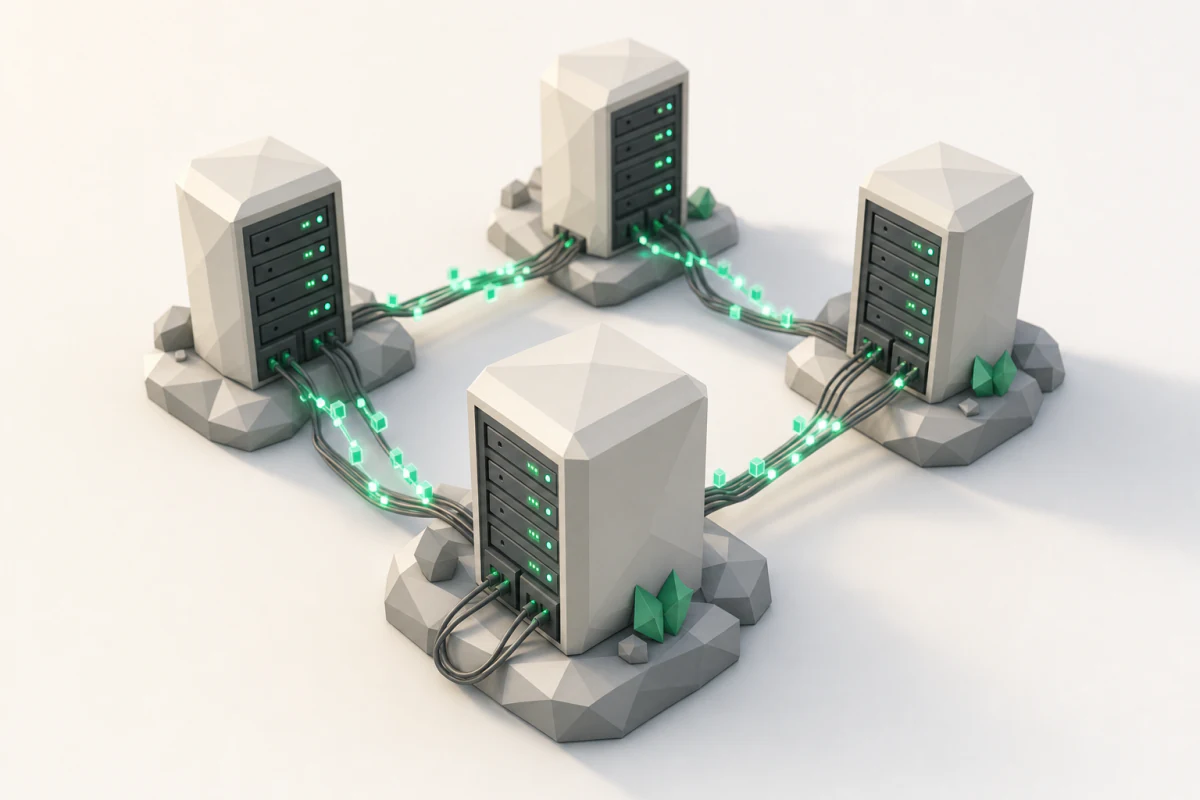
Horizontal scaling, or scaling out, splits the work across several ordinary machines instead:
- A load balancer in front spreads requests across three application servers running the same code. At 800 requests a second each, that is 2,400 a second of CPU.
- Carts can no longer live in one server's memory, because a fan's next click may land on a different server. They move to a shared session store every application server can reach.
- The database moves to its own machine, with a replica kept in sync as a standby and for suitable reads.
Notice what didn't change: every sale still goes through one database. Add ten more application servers and you hit that limit next. Scaling out moves the bottleneck; it doesn't delete it.
What You Gain
- Capacity. Work that can be split across machines gets more done as you add them, up to the next shared bottleneck.
- Surviving failure. If app server two dies, the load balancer's health checks notice and route fans to one and three. tixdrop keeps selling at two thirds of its capacity instead of going dark. The database and session store need their own redundancy to get the same property.
- Independent scaling. Each part grows on its own terms: the poster images move to a content delivery network, seat-map reads can go to the replica, and application capacity grows separately from database capacity.
- Place. A fan in Tokyo can be served by machines in Tokyo instead of Virginia, as long as the request's dependencies are nearby too. A Tokyo app server that must reach a Virginia database still pays for the ocean.
None of this comes from owning more servers. It comes from designing and testing for it.
What You Lose
Certainty
The app asks the payments service to charge a fan's card $40 and waits. The payments service saves the charge and replies "done", and the reply is lost on the way back.
From where the app sits, what happened? It can't tell. The silence looks exactly like a request that never arrived. If it retries to be safe, it may charge the card twice.
TCP doesn't close this gap. It delivers an ordered byte stream within one connection, but it can't tell the app whether a business operation committed before the connection timed out. The gap between what happened over there and what you know over here is one of the defining problems of distributed systems. The API design lesson comes back to it with idempotency keys.
Things Break Partly
Say app server three's disk starts to stall. Its CPU looks fine and it still passes its health check, so a third of the fans land on a server that answers in eight seconds. Some fans buy their seats instantly, some watch a spinner, some get an error and retry.
Is tixdrop up or down? It depends on who you ask. A distributed system rarely has one up-or-down flag; you have to ask which operation, from which caller, through which dependencies.
This isn't hypothetical. When Ticketmaster opened sales for Taylor Swift's Eras Tour in November 2022, its own account describes 3.5 billion total system requests, four times its previous peak, and estimates that about 15% of interactions across the site experienced issues. Not zero, not a hundred: fifteen. That is what failure looks like when it is spread across many machines.
Two Copies of the Truth
A fan buys seat 14C, and the primary database records it as sold. The replica copies the change, but it runs about 200 ms behind. In that window another fan reads the seat map from the replica, sees 14C available, and clicks it.
What should the replica have said? A slightly stale answer, a guaranteed fresh one (by checking with the primary), or "wait, I can't be sure yet"? Each is a legitimate choice with a different cost in latency and availability. The rules that define which answers a read may return are a consistency model, and a large part of this course is learning which ones exist and what each costs.
Three Questions for Any Design
Three questions do most of the work when you evaluate a design, alongside correctness, security, and cost:
- Scalability. When demand doubles, what runs out first, and what does it cost to move that limit? For tixdrop, the database, because every sale goes through it.
- Resiliency. When a part fails, how much of the business goes with it, and how does it recover? One app server can die quietly; the database is still a single point of failure.
- Maintainability. At 10:04 on a Friday, can a tired engineer understand what is broken and change it safely?
They pull against each other sometimes, but not always. Removing a component you don't need can improve all three at once.
The Grown-Up Shape
Here is one reasonable shape for tixdrop once it grows, not the one right architecture:
- Clients: browsers, phones, and other services.
- A CDN serves the poster images from locations close to each fan.
- A load balancer fronts services for accounts, orders, and payments. (Separate services are a deployment choice; one replicated application can keep this logic together.)
- A primary database takes the writes; a replica serves reads that can tolerate a little lag, with a tested failover procedure.
- A cache keeps the seat map hot, so the database isn't asked the same question 40,000 times, with a policy for how stale it may get.
- A queue holds confirmation emails, so a slow mail server never slows down a sale, with explicit retention and retry behavior.
Every box and every arrow is a new capacity limit and a new way to fail.
What's Ahead
The course walks through that picture in six modules:
- Communication: the arrows. How machines talk over an unreliable network, from TCP to well-designed APIs.
- Coordination: the database and its replica. Time, ordering, leader election, replication, and consensus.
- Coordination avoidance: the carts. Designs that stay correct without everyone agreeing first.
- Scalability: the cache, the load balancer, partitions, storage, and the queue.
- Resiliency: what happens when any of those break, and the patterns that contain the damage.
- Operations: seeing all of it, live, on a Friday at 10:00.
Twenty-five lessons in all, including this one and a closing guide.
The one sentence to keep: you distribute a system when one machine can't keep your promises, and every machine you add trades some certainty for that capacity. An AI assistant can draw the grown-up diagram in seconds; your job is knowing where it breaks at 10:04, and why.
Next up: TCP. Packets on the wire between a fan and the load balancer get lost, delayed, duplicated, and reordered all the time. How does anything arrive in one piece?